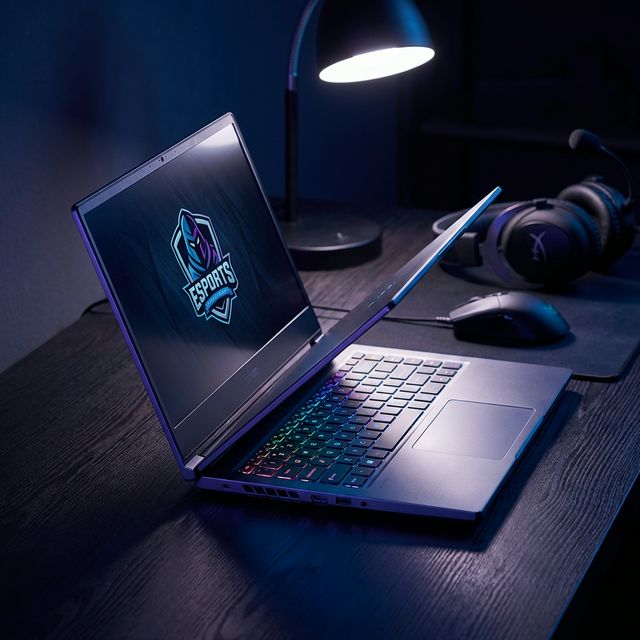
What Makes a Gaming Laptop Worth Buying in 2026
Gaming laptops aren't just "regular laptops with better graphics" anymore. The gap between desktop and laptop gaming performance has shrunk dramatically. But that doesn't mean all gaming laptops are created equal.
I've reviewed over 50 gaming laptops this year. The difference between a great gaming laptop and an expensive disappointment often comes down to three things manufacturers don't advertise: thermal design, display quality, and upgrade path.
The 5 Specs That Actually Matter
1. GPU: The Only Spec You Can't Compromise On
Your GPU determines gaming performance. Period. Everything else is negotiable, but cheap out on the graphics card and you'll regret it within 6 months.
2025 GPU Hierarchy (Best to Budget):
- RTX 5090 Mobile - $2500+ laptops. Overkill for most, but future-proof for 4-5 years
- RTX 5080 Mobile - $2000-2500. Sweet spot for high-end gaming. Handles 1440p/4K beautifully
- RTX 5070 Mobile - $1500-2000. Best value for serious gamers. 1440p gaming at high settings
- RTX 5060 Mobile - $1200-1500. Entry-level but capable. 1080p gaming at high/ultra settings
- RTX 4060/4050 - $900-1200. Last-gen but still solid for 1080p gaming
Here's what nobody tells you: TGP (Total Graphics Power) matters more than the GPU model. An RTX 5070 at 140W outperforms an RTX 5080 at 100W. Always check the wattage, not just the model number.
⚠️ Marketing Trap
Manufacturers hide TGP specs. A "$1500 RTX 5070 laptop" sounds great until you discover it's running at 95W instead of 140W. That's a 30% performance difference. Check reviews for actual TGP before buying.
2. Display: 60Hz is Dead, 165Hz is Minimum
You're spending $1000+ on a gaming laptop. A 60Hz display is unacceptable. The difference between 60Hz and 144Hz+ is night and day in competitive games.
Display specs to prioritize:
- Refresh rate: 165Hz minimum (240Hz+ for competitive FPS gamers)
- Response time: 5ms or lower (3ms ideal for fast-paced games)
- Color accuracy: 100% sRGB minimum (DCI-P3 coverage is bonus)
- Brightness: 300 nits minimum (500+ for HDR gaming)
Resolution debate: 1080p vs 1440p vs 4K
- 1080p - Best for competitive gaming. Highest FPS, lowest GPU demand. Perfect for 15.6" screens.
- 1440p (2560×1440) - Sweet spot for 17" screens. Sharper than 1080p, less demanding than 4K.
- 4K - Beautiful but impractical. Even RTX 5090 struggles with 4K gaming. Better for content creation.
My recommendation? 1080p 240Hz for competitive gamers, 1440p 165Hz for everyone else. Skip 4K unless you're doing video editing.
3. CPU: Don't Overspend Here
Controversial take: CPU matters less than you think for gaming. An i7 vs i9 gives you maybe 5-10% better gaming performance but costs $200-300 more.
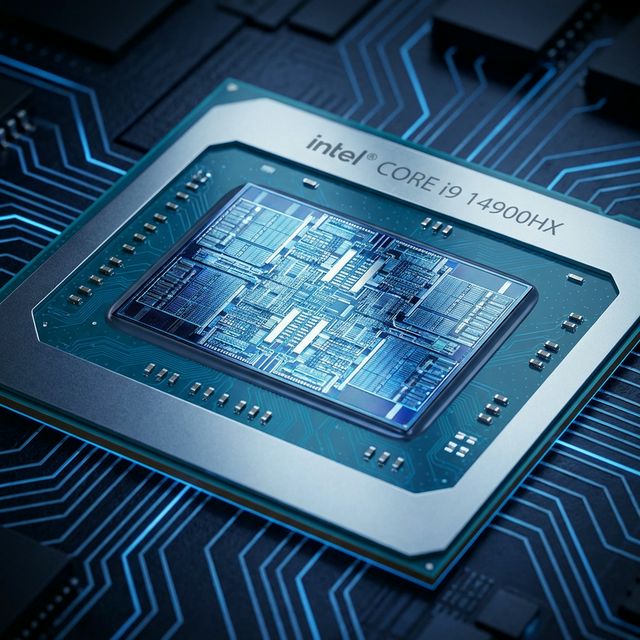
2025 CPU recommendations:
- Intel Core i7-14700HX / AMD Ryzen 9 7945HX - Best value. Plenty of power for gaming + streaming
- Intel Core i9-14900HX / AMD Ryzen 9 7945HX3D - Overkill for gaming alone. Only worth it if you do heavy multitasking
- Intel Core i5-14500HX / AMD Ryzen 7 7840HS - Budget option. Still handles modern games fine
Save money on the CPU, spend it on better GPU or more RAM. You'll notice the difference way more.
4. RAM: 16GB is Minimum, 32GB is Ideal
Modern games are RAM hungry. 16GB works but leaves no headroom. 32GB is the sweet spot for gaming + Discord + browser tabs + streaming.
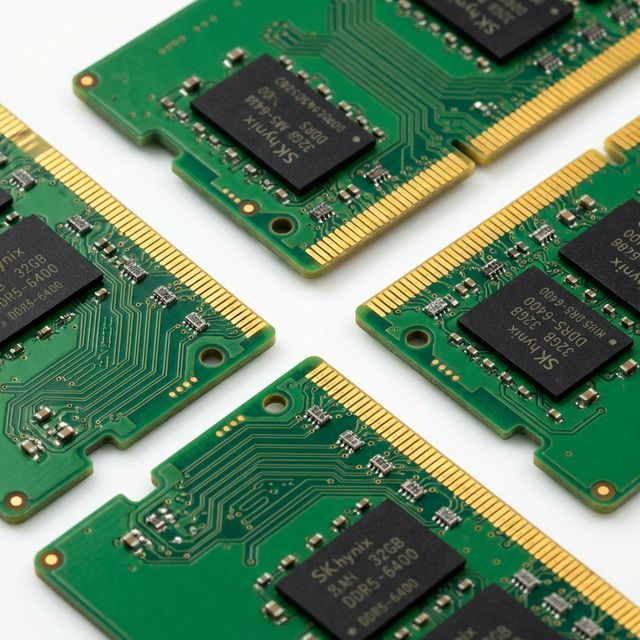
RAM buying tips:
- DDR5-5600 is standard in 2025. Don't pay extra for DDR5-6400 unless you're benchmarking
- Dual-channel is crucial. 2x16GB performs way better than 1x32GB
- Check if RAM is upgradeable. Some laptops solder everything
5. Storage: 1TB NVMe SSD Minimum
Modern games are massive. Call of Duty alone is 200GB+. 512GB fills up in weeks.
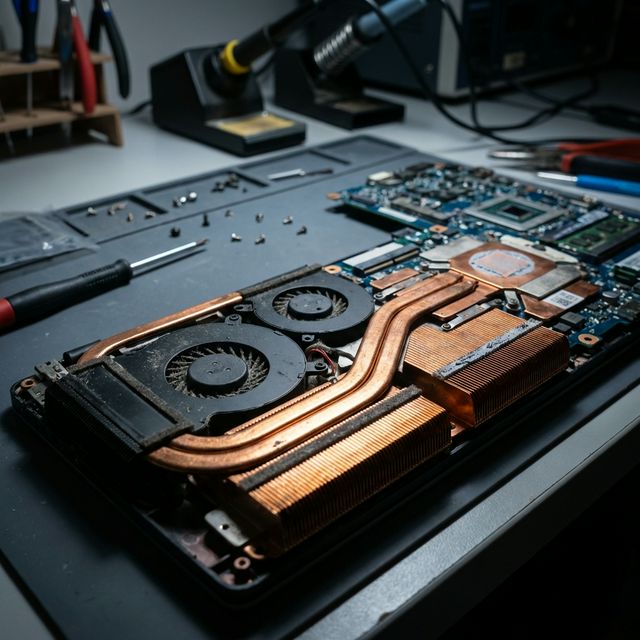
Get 1TB minimum. Check if there's a second M.2 slot for future upgrades. Gen4 NVMe is standard; Gen5 is overkill for gaming.
Top 10 Gaming Laptops 2026 (By Budget)
Best Overall: ASUS ROG Strix Scar 18 ($2,499)
Specs: RTX 5080 (175W), i9-14900HX, 32GB DDR5, 18" 240Hz QHD display
This thing is a beast. The 175W RTX 5080 performs close to desktop 4080 levels. Thermals are excellent thanks to liquid metal cooling. Display is gorgeous—240Hz at 1440p with 3ms response time.
Pros: Top-tier performance, excellent cooling, upgradeable RAM/storage
Cons: Heavy (6.8 lbs), loud fans under load, expensive
Best Value: Lenovo Legion Pro 5i ($1,599)
Specs: RTX 5070 (140W), i7-14700HX, 16GB DDR5, 16" 165Hz WQXGA
Best bang-for-buck in 2025. The 140W RTX 5070 punches way above its price point. Build quality is solid, thermals are good, and it doesn't scream "gamer" aesthetically.
Pros: Excellent price/performance, professional design, good battery life
(for a
gaming laptop)
Cons: Webcam is mediocre, speakers could be better
Best Budget: HP Victus 15 ($1,099)
Specs: RTX 4060 (95W), i5-13500H, 16GB DDR4, 15.6" 144Hz FHD
Entry-level done right. The RTX 4060 handles 1080p gaming at high settings. Not the fastest, but solid for the price.
Pros: Affordable, decent 1080p performance, upgradeable
Cons: Plastic build, lower TGP GPU, DDR4 RAM
Best Premium: Razer Blade 16 ($3,299)
Specs: RTX 5090 (175W), i9-14900HX, 32GB DDR5, 16" 240Hz QHD+ Mini LED
If money isn't an issue, this is peak gaming laptop. The Mini LED display is stunning—1000 nits brightness, perfect blacks. Build quality is MacBook-level.
Pros: Premium build, incredible display, powerful specs
Cons: Extremely expensive, runs hot, limited upgradeability
Best for Competitive Gaming: MSI Raider GE78 HX ($2,199)
Specs: RTX 5070 Ti (150W), i9-14900HX, 32GB DDR5, 17" 360Hz FHD
360Hz display is overkill for most, perfect for competitive FPS. The high TGP GPU ensures you actually hit those frame rates.
Best Battery Life: ASUS ROG Zephyrus G14 ($1,899)
Specs: RTX 5060 (100W), Ryzen 9 7940HS, 16GB DDR5, 14" 165Hz QHD OLED
Gaming laptops and battery life don't usually mix. This one gets 6-8 hours of light use. OLED display is gorgeous.
Best 17-inch: Alienware m17 R5 ($2,099)
Specs: RTX 5070 (140W), Ryzen 9 7945HX, 32GB DDR5, 17.3" 240Hz FHD
Big screen, big power. Alienware's cooling is top-tier. Stays surprisingly quiet even under load.
Best for Content Creators: Gigabyte Aero 16 OLED ($2,399)
Specs: RTX 5070 (130W), i9-14900H, 32GB DDR5, 16" 4K OLED 60Hz
4K OLED with 100% DCI-P3 color. Perfect for video editing. Still games well at 1440p.
Best Thin & Light: MSI Stealth 16 Studio ($2,499)
Specs: RTX 5080 (115W), i9-14900H, 32GB DDR5, 16" 240Hz QHD+
Under 0.8 inches thick. Doesn't look like a gaming laptop. Performance takes a hit due to lower TGP, but still impressive.
Best AMD: ASUS TUF Gaming A17 ($1,499)
Specs: RTX 5060 (140W), Ryzen 7 7735HS, 16GB DDR5, 17.3" 144Hz FHD
All-AMD build. Excellent thermals, military-grade durability testing. Great value.
What to Avoid When Buying
- Single-channel RAM - Kills performance. Always check reviews
- Low TGP GPUs - RTX 5070 at 95W ≠ RTX 5070 at 140W
- Soldered everything - No upgrade path means shorter lifespan
- 60Hz displays in 2026 - Just no. Minimum 144Hz
- Cheap cooling solutions - Thermal throttling ruins performance
Frequently Asked Questions
Final Buying Advice
Don't chase specs blindly. A well-cooled RTX 5070 outperforms a thermal-throttling RTX 5080. Read reviews, check TGP ratings, and test the laptop yourself before the return window closes.
Budget allocation rule: 50% GPU, 20% display, 15% CPU, 15% everything else. Stick to that and you won't go wrong.
Gaming laptops deliver desktop-class performance in portable form. Choose based on your budget and performance needs. For processor comparisons, see our Intel vs AMD guide. If overheating is a concern, read our laptop cooling guide.
Gaming laptops are expensive. But a good one lasts 4-5 years and delivers desktop-class gaming anywhere. Choose wisely, and it's worth every dollar.